How a Computer Works: From Sand to Software
Transistor, gate, adder, clock, memory, program: the six layers between electricity and the software you run.
We use computers every day, but the inside is rarely explained from the bottom up. This post does that.
A computer is built in layers. There are about six of them, and each layer is built entirely out of the layer below it. Electricity is at the bottom and your editor is at the top. This post goes through the layers one at a time, starting from the bottom.
Layer 1: The transistor, a switch with no moving parts
Everything rests on one device. A transistor is a simple switch where a voltage on one wire (the gate) controls whether current can flow between the other two. If the voltage is present, it conducts electricity. If the voltage is absent, it stops the flow.
In daily life this is the light switch on your wall. It's on, or it's off. There is nothing in between.
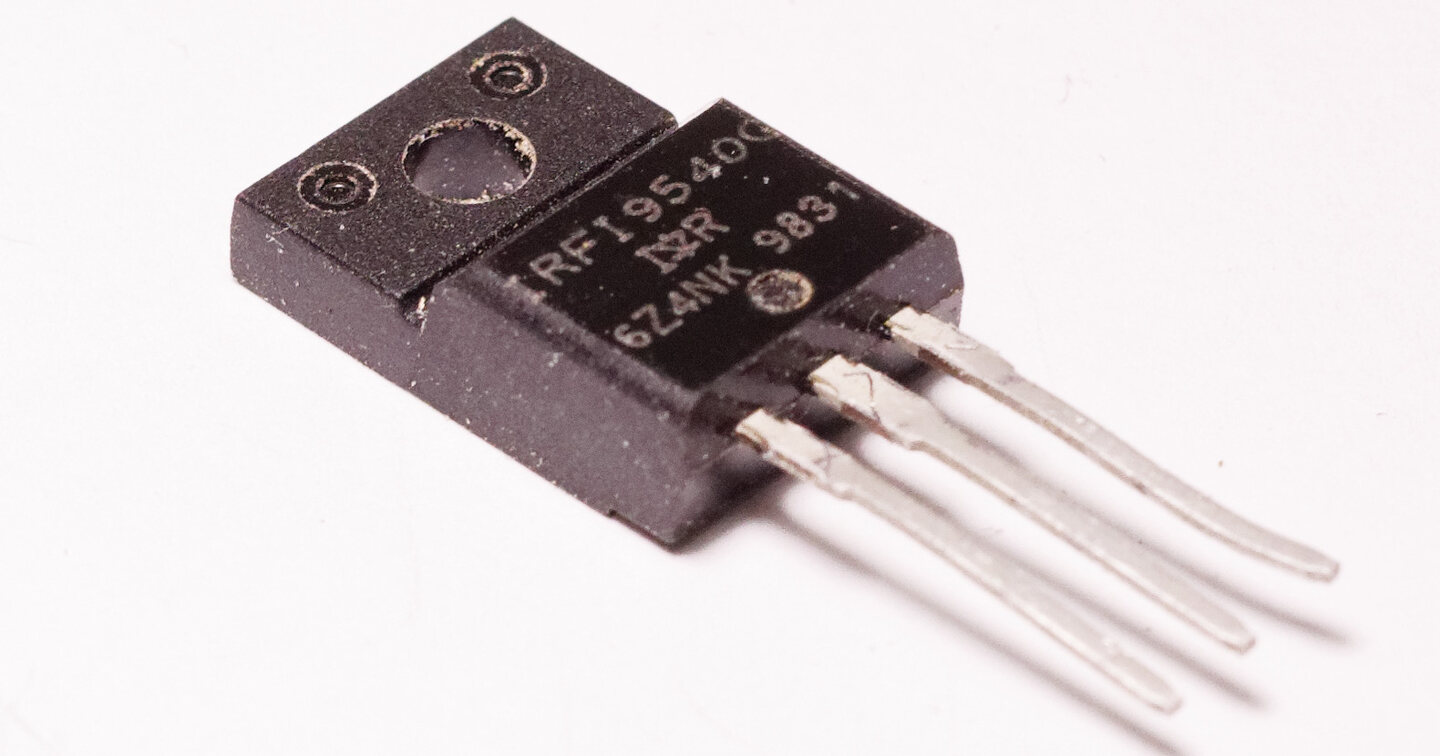
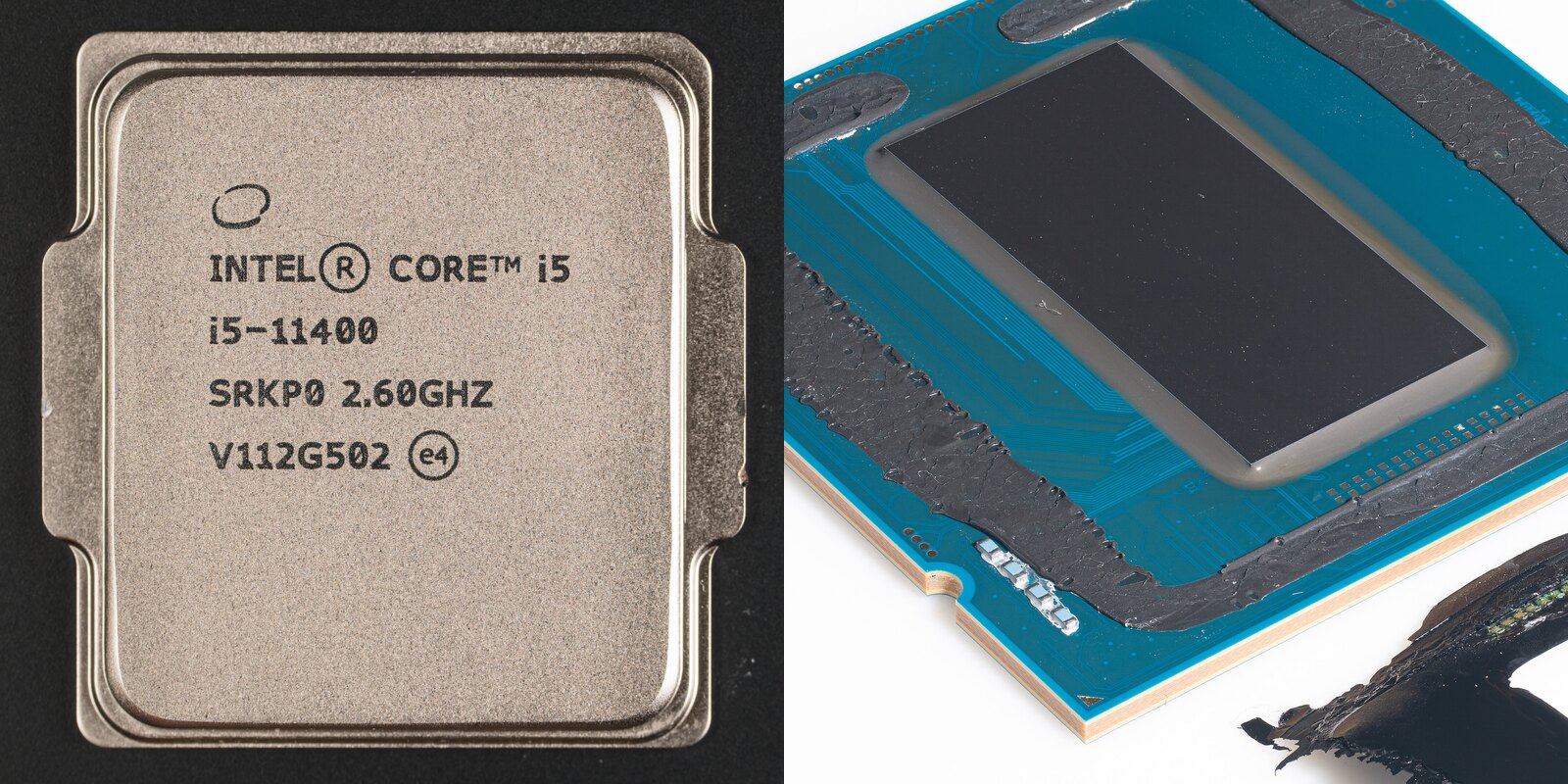
A transistor only has two states, so we name them 1 and 0. It can switch billions of times per second, it never wears out, and it can be made smaller than a virus. A modern chip contains tens of billions of them. Everything your computer does is made of these transistors switching on and off.

Layer 2: Logic gates, switches that make decisions
If we wire a few transistors together, we get gates, which are tiny circuits that answer basic logical questions.
- AND: the output is 1 only if both inputs are 1. Picture two switches in a row.
- OR: the output is 1 if either input is 1. Picture two switches side by side.
- NOT: the output is the exact opposite of the input.
| a | b | a AND b | a OR b | NOT a |
|---|---|---|---|---|
| 0 | 0 | 0 | 0 | 1 |
| 0 | 1 | 0 | 1 | 1 |
| 1 | 0 | 0 | 1 | 0 |
| 1 | 1 | 1 | 1 | 0 |
These gates can be connected together. The output of one feeds directly into the input of the next. Do that enough times and you can build any function on bits that you want. Everything above this layer is just millions of gates arranged very carefully by engineers.
Layer 3: Arithmetic, teaching electricity to do math
This layer answers a common question. How do switches that only turn on and off calculate anything?
It starts with the addition we do on paper. When we add 9 + 1 on paper, we write down 0 and carry the 1 to the next column. Computers do exactly the same thing, but they only have two digits, 0 and 1. So when a computer adds 1 + 1, the answer is 2, which is written as 10 in binary. The sum is 0, and we carry the 1.
To make electricity do this, engineers realized they could use the gates from layer 2.
- The sum. An XOR (Exclusive OR) gate turns on only when the inputs are different, so 1 + 0 or 0 + 1.
- The carry. An AND gate turns on only when both inputs are 1, so 1 + 1.
If we split two incoming wires and plug them into both gates at the same time, we get a circuit that genuinely adds.
Send electricity through both wire a and wire b, which means 1 + 1. The XOR gate stays off, so the sum is 0. The AND gate turns on, so the carry is 1. That's the correct answer, produced by nothing but switches.
This small circuit of about a dozen transistors is called a half adder.
The rest is repetition. Connect 64 of these adders in a row, so that the carry wire of each one goes into the next one. This is the same as carrying numbers across columns on paper. The result is a 64-bit adder.
Bundle that with a few more circuits for subtracting, comparing, and shifting, and we have built the ALU, the Arithmetic Logic Unit. This is the calculator inside the CPU (Central Processing Unit). The chip doesn't know math. Addition is built into the way its wires are connected.
Layer 4: Memory, gates that remember
Every circuit we have looked at so far forgets its inputs instantly. The trick for memory is a feedback loop. Wire two NOT gates in a circle and each one holds the other in place.
This loop has two stable states. It keeps one bit of data until a new signal changes it.
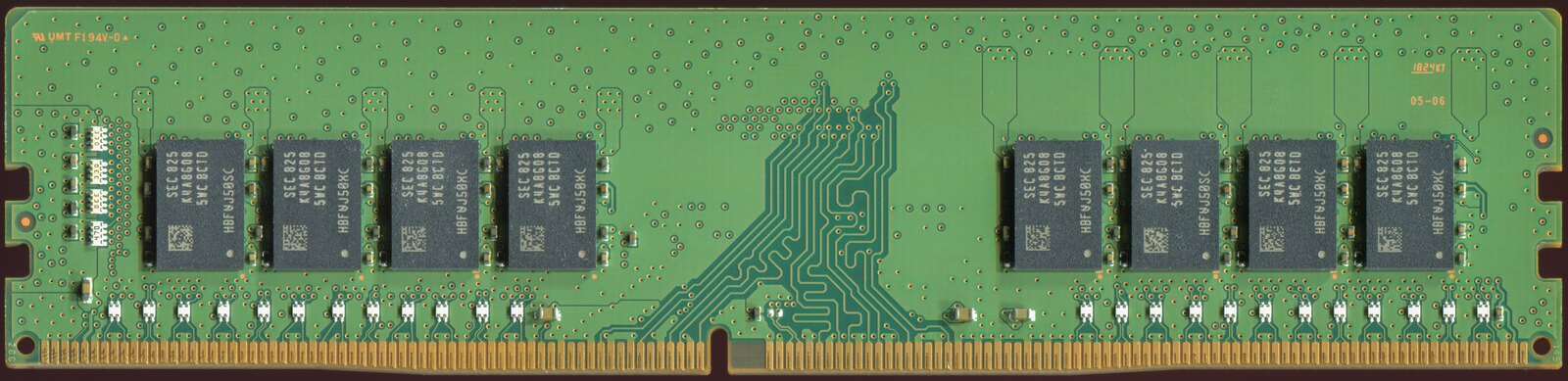
That loop is called a latch. It stores exactly one bit. Put a few latches side by side and we make a register, which holds the numbers the CPU is working on right now. Put millions of these storage cells in a massive grid and we get RAM (Random Access Memory). To find a specific piece of data, the computer selects a row by its number. That row number is exactly what a memory address is, and it's the number a pointer holds. The rest of how storage works, including caches, the stack, and the heap, is its own post: Memory: The Stack, the Heap, and Pointers.
Layer 5: The clock and the stored program
Two final ideas turn this pile of circuits into a working computer.
The first is the clock. It's a signal that switches between 0 and 1 billions of times per second, and that's what 3.5 GHz means. The timing comes from a small quartz crystal on the motherboard, which vibrates millions of times per second, and other circuits multiply that up to billions. On every tick the whole machine advances one step together. It computes, stores the results, and computes again. The clock is what keeps billions of transistors in sync.
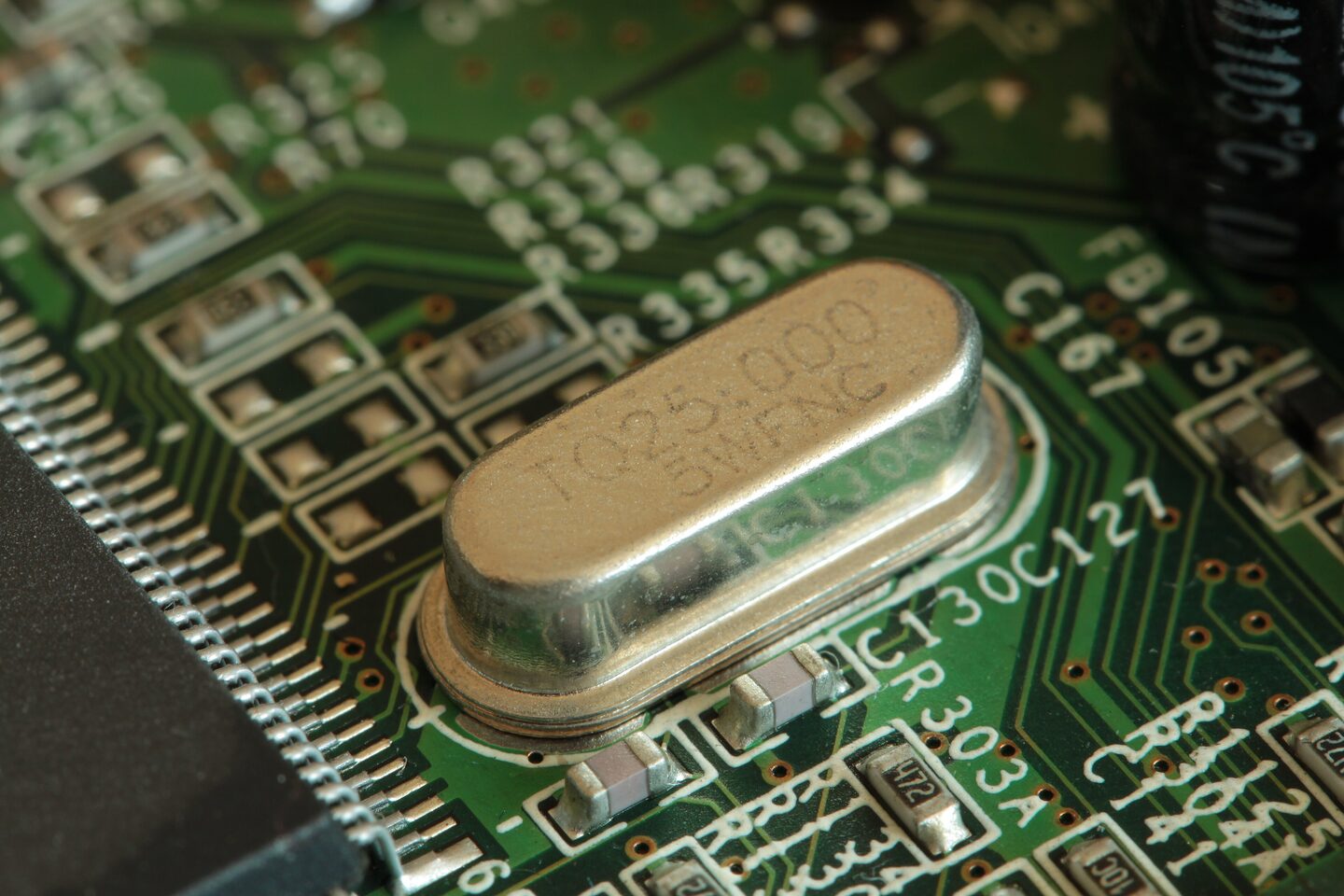
The second is the stored program, and it's the most important idea in computing. Instructions are just numbers sitting in memory, right next to the data. There is no physical difference between the bytes of a program and the bytes of a photograph. The only difference is how the CPU treats them.
The CPU keeps a counter pointing at the next instruction. On every tick of the clock it fetches that number, decodes which circuit it needs to activate, executes the command, and repeats. Because programs are just data, you can write programs that write other programs. That's all a compiler is, and it's why software can build software. The full loop, pipelines and all, is in How a CPU Actually Runs Your Code.
Layer 6: Software, where the tower gets abstract
From here there are more layers, but they are made of code instead of hardware.
Each layer only speaks to the layers directly next to it. This separation is what makes the whole system possible to understand. The operating system doesn't think about individual transistors, and your text editor doesn't think about carry bits.
When you press one key, every layer does its part in order. The keyboard sends an interrupt, the operating system driver catches it, the editor code processes the letter, and the screen updates. That's hundreds of billions of transistor switches per second while you type a sentence. Each one is a switch doing exactly what layer 1 described.
The Bottom Line
You can program for years without knowing these layers, and most of the time that works. They start to matter when you hit a performance problem, a concurrency bug, or a segfault.
I build tools in Go on Arch, and a desktop environment from the ground up, and the single most useful habit I know is asking one question. Which layer is this problem actually on? Slow code is usually a memory question. A hang is usually a scheduling question. A crash is usually a stored program question, where some bytes got treated as the wrong kind of number.
Switch, gate, adder, latch, clock, stored program. Those six layers are the whole machine.
Check yourself
3 questions · nothing is savedWho wrote this
Author profile and background

Takumi Yamada
· Backend EngineerBackend engineer building services, databases, Linux tooling, and NEGEN SYSTEMS. Writing about low-level mechanics, distributed systems, and real-world security.
- Written
- Nov 1, 2025
- Length
- 1,337 words · 6 min
- Built
- …
- Served by
- …
- Delivered
- …
- Over the wire
- …
- Go's share
- …
USB Sticks, Disks, and the Mysterious 4GB Wall
Why a 64GB USB stick refuses a 5GB file, what a file system actually is, and how FAT32, exFAT and NTFS really differ inside.
How a CPU Actually Runs Your Code
Your C or Go program is just numbers in memory, and the CPU reads them one instruction at a time. Here's the loop that does it.
OpenCV 101: Every Image Is a Grid of Numbers
A photo is a rectangle of numbers, and everything OpenCV does is arithmetic on that rectangle. Mat, BGR, convolution, thresholds, contours and perspective warps: the ideas that make the library's 2,500 functions easier to find your way around.
Model-View-Update: The Loop That Makes Rust TUIs Sane
Every UI I wrote badly had the same problem: one part of the screen changing another part's data. MVU prevents that with one rule, and in Rust that rule is exactly what the borrow checker already asks for.