How Linux Boots: From Power Button to Login
Firmware, bootloader, kernel, initramfs, PID 1: the chain of programs that runs between pressing the power button and seeing a login screen.
You press the power button. A few seconds later, there is a login screen.
Between those two moments, a chain of separate programs runs, and each one hands control to the next. It works like a relay race, where each runner only has to carry the baton to the next runner. Each program exists only to find the next one, load it, and start it.
Once you know the stages, "my computer won't start" becomes a more precise question: which handover failed?
The relay race
Every stage has exactly one job: get the next stage into memory and start it. Here are the stages in order.
Stage 1: Firmware
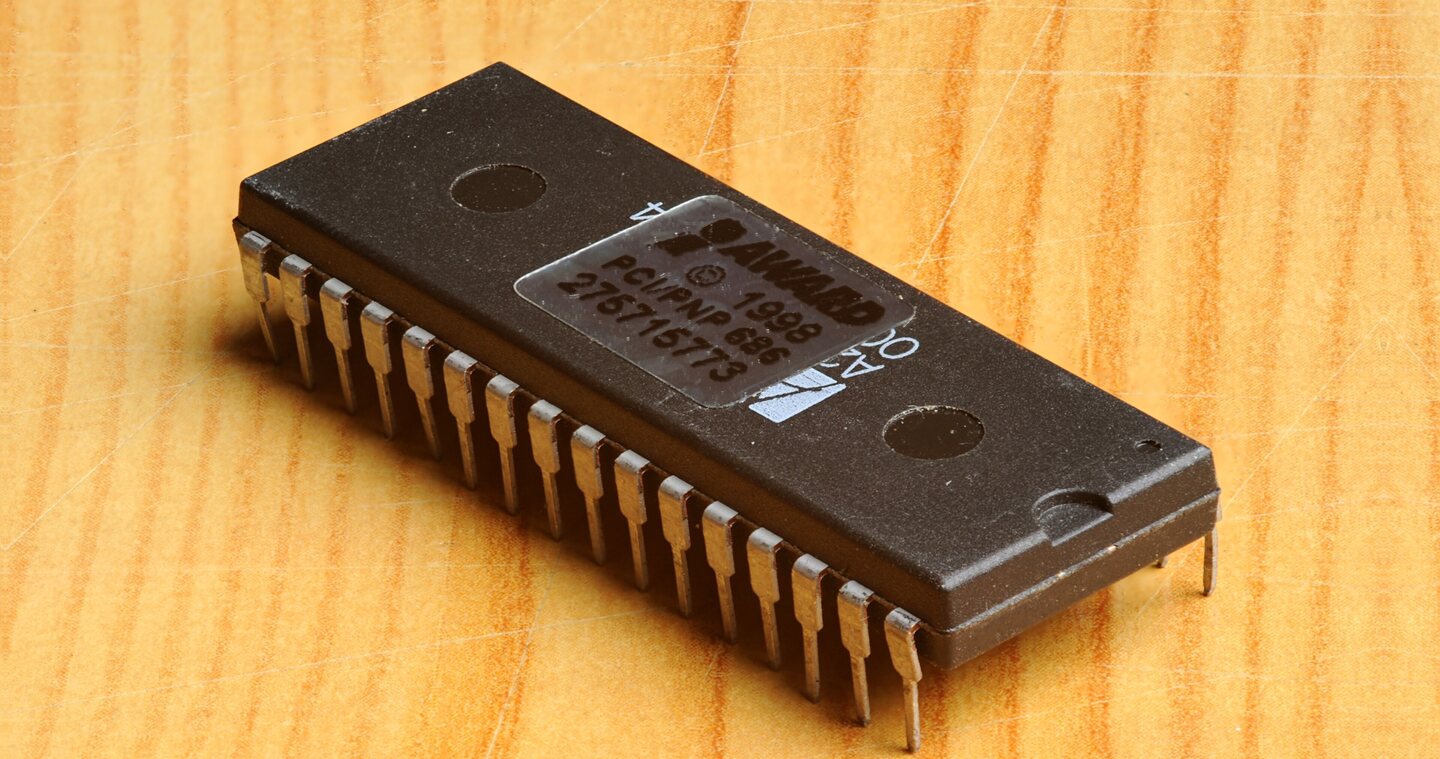
When the power comes on, the CPU (Central Processing Unit) can't run your operating system. It doesn't even know that disks exist. It starts by running code from a memory chip on the motherboard. That code is the firmware. On any modern computer it's UEFI (Unified Extensible Firmware Interface). The older kind, BIOS (Basic Input/Output System), survives mostly as a compatibility mode.
UEFI does three things.
It checks the hardware. This is called the power-on self test. It prepares the RAM (Random Access Memory), finds the connected devices, and beeps if something is broken.
It finds something to start. UEFI understands disk partitions and the FAT32 (32-bit File Allocation Table) file system. It looks for the EFI System Partition, a small FAT32 partition usually mounted at /boot or /efi, and loads a program file ending in .efi from it. The order in which it tries the entries is stored in a small memory on the motherboard called NVRAM.
It starts that program. That program is your bootloader.
You can look at the boot entries from a running system.
$ efibootmgr
BootOrder: 0001,0000
Boot0000* Windows Boot Manager
Boot0001* Limine
UEFI is also where Secure Boot works. With Secure Boot on, UEFI refuses to run any .efi program that isn't signed with a trusted key. This makes sure every step of the start-up is trusted. It's also why some Linux distributions need an extra signing step before they can start at all.
Stage 2: Bootloader
The bootloader, such as GRUB, systemd-boot or Limine, is a tiny program with one purpose: load the kernel into memory and start it with the right settings.
It reads a settings file that says roughly this.
kernel  = /vmlinuz-linux
initrd  = /initramfs-linux.img
cmdline = root=UUID=3f2a... rw quiet
There are three pieces there.
The kernel image is the Linux kernel, compressed. The initramfs is a small compressed file system, which we will get to in a moment. The kernel command line carries settings for start-up. The most important one is root=, which tells the kernel where the real root file system is.
When you have two operating systems, the menu where you choose one is the bootloader. The bootloader also lets you edit that command line by hand before starting. That's why adding a 3 to the kernel line, to start in a text-only mode, is a well-known way to rescue a broken system: you change what the bootloader passes to the kernel.
Stage 3: The kernel wakes up
The bootloader unpacks the kernel into RAM and starts it. Now Linux is running, but almost nothing is set up yet, so the kernel does that next.
It sets up memory management, the scheduler, and the handling of hardware signals. It finds the hardware and loads the drivers built into it. That's the long scrolling text you see when start-up messages are shown. Then it needs to mount the root file system.
And here there is a problem that goes in a circle. Reading the real root file system might need a driver or a decryption key, and those are stored on the root file system. Examples are the driver for an NVMe (Non-Volatile Memory Express) SSD, the btrfs file system module, or the password prompt for an encrypted disk. The kernel can't read the disk that contains the tools for reading the disk.
Stage 4: initramfs, the temporary world
The solution is the initramfs, short for initial RAM file system. It's a small compressed archive that the bootloader loads next to the kernel. It contains just enough to reach the real root file system: drivers for your storage, file system tools, and a start-up script.
The kernel unpacks it into RAM and runs it. On an encrypted computer, this is the moment when you type your disk password.
initramfs job list:
  1. load storage drivers (nvme, ahci...)
  2. cryptsetup open /dev/nvme0n1p2  ← your LUKS prompt happens HERE
  3. mount the real root (btrfs, ext4...)
  4. switch_root into it and exec the real init
switch_root is the key step. The initramfs mounts your real root file system, switches over to it, deletes itself from RAM, and starts the real init system, the program that starts everything else. The temporary file system is gone, and the real one takes over.
On Arch Linux, a tool called mkinitcpio builds this archive, and the HOOKS line in its settings decides what the initramfs can do. On an encrypted disk, if the encrypt hook is missing, you get one of the most common start-up failures: a kernel with a disk it can't unlock.
Stage 5: PID 1
The kernel starts exactly one program as process ID 1, and on almost every modern Linux distribution that program is systemd.
PID (Process Identifier) 1 is special. Every other program you run descends from it. It takes care of programs whose parent has ended. And if it stops, the kernel stops too, with an error called a kernel panic.
Its job is to go from one running program to a whole working system. It mounts file systems and starts network services, logging and timers. It treats this as a set of tasks that depend on each other, and runs them in parallel. Each task says what it needs first, and every task whose needs are already met starts at the same time.
That's why modern Linux computers start in seconds, instead of the full minute that the older start-up scripts took by running one task after another.
Afterwards, you can see how long each part took.
$ systemd-analyze
Startup finished in 9.8s (firmware) + 2.1s (loaders) + 1.9s (kernel) + 2.4s (userspace)

$ systemd-analyze blame
1.2s NetworkManager.service
0.8s systemd-journald.service
...
Look at where the time went. On this computer, the firmware took longer than the kernel and systemd together. A start-up time only means something when you know which stages it includes.
The last step is a target, a group of services that make up a finished system. The graphical target starts a display manager, which draws the login screen. On a setup that logs in automatically and starts a Wayland desktop directly, you go straight to your desktop instead.
Debugging by handoff
Thinking in stages makes start-up failures much easier to find.
| What you see | Which handoff failed |
|---|---|
| Black screen, no logo | Firmware can't find a boot entry. Check efibootmgr and the ESP |
| Bootloader menu, then an error | Bootloader can't load the kernel. Wrong path or UUID in its config |
| Kernel messages, then a panic about mounting root | initramfs is missing a driver or a hook. Rebuild it |
| No passphrase prompt on an encrypted disk | The encrypt hook is missing from the initramfs |
| Boots, but a service is down | The problem is in systemd. Try journalctl -b and systemctl status |
Every symptom points to exactly one stage.
The Bottom Line
I run Arch Linux on an encrypted btrfs disk, and I'm building NEJEN, a desktop environment based on Hyprland that installs onto it. Because of that, I have had to debug most of these stages at least once.
The initramfs stage is the hardest one. Every encrypted setup depends on stage 4 being built correctly. When it fails, you don't get a helpful error message, you get a kernel that can't unlock its disk. And you can't fix it from inside the system, because the system doesn't start.
Once you see start-up as a chain of small programs, each one starting the next, a failure like that becomes a list of stages to check.
Check yourself
3 questions · nothing is savedReferences & Primary Sources
Official specifications, standards, and documentation cited in this post.
- [1]
Official kernel documentation on initialization and spawning PID 1
DOCSdocs.kernel.org - [2]
Industry standard for firmware interfaces, ESP FAT32 partitions, and boot handoffs
STANDARDuefi.org - [3]
Standardized specification for drop-in boot entries shared across Linux loaders
SPECsystemd.io
Who wrote this
Author profile and background
Takumi Yamada
· Backend EngineerBackend engineer building services, databases, Linux tooling, and NEGEN SYSTEMS. Writing about low-level mechanics, distributed systems, and real-world security.
- Written
- Dec 27, 2025
- Length
- 1,395 words · 6 min
- Built
- …
- Served by
- …
- Delivered
- …
- Over the wire
- …
- Go's share
- …
How an Operating System Schedules Work
You have more programs than CPU cores, yet everything seems to run at once. Here's how the scheduler does it.
Building a Home Server From an Old Laptop
Turning a spare laptop into a Debian home server: choosing the operating system, setting it up remotely without locking yourself out, publishing services through a Cloudflare Tunnel, and fixing an AdGuard Home container that ran but couldn't be reached.
Eduroam on Linux: Why One Wi-Fi Network Is So Hard to Join
Eduroam isn't a Wi-Fi password, it's a personal login that works across thousands of universities. Here's how it works, why Linux has trouble with it, and the settings that work.
Projects built with what this post is about.