How a CPU Actually Runs Your Code
Your C or Go program is just numbers in memory, and the CPU reads them one instruction at a time. Here's the loop that does it.
You write x := a + b. The CPU (Central Processing Unit) never sees that line.
By the time your program runs, that line has become a few numbers in memory. The processor reads them with a short loop that repeats over and over. This post explains that loop, step by step.
The CPU is a loop
A CPU repeats three steps: fetch, decode and execute. It does this billions of times per second.
loop:
    instruction = memory[PC]   # fetch
    op, operands = decode(instruction)
    execute(op, operands)      # do the work
    PC = PC + size(instruction) # advance
    goto loop
PC is the program counter. It's a small storage slot inside the CPU that holds the address of the next instruction. Everything else follows from that one number.
The CPU doesn't know about the functions or loops in your source code. It only keeps reading whichever instruction the program counter points at. A jump instruction, which is how loops and if statements work, does nothing more than write a new address into the program counter.
Registers: the CPU's hands
A CPU can't do arithmetic directly on values in memory. It first copies them into registers, which are a few small storage slots built into the chip itself.
On x86-64, the kind of processor in most desktop PCs, there are sixteen general purpose registers of 64 bits each, plus special ones such as the program counter. That's all of them. Together they hold a few hundred bytes, and they are the fastest storage in the machine. Reading one takes less than one clock cycle.
That's why instructions follow a pattern. First, load a value from memory into a register. Then do the arithmetic between registers. Then store the result back into memory.
The clock
A clock signal sets the pace of everything. It's a signal that switches between 0 and 1 at a steady rate, for example 3.5 billion times per second, which is 3.5 GHz. On each tick, the machine moves forward one step.
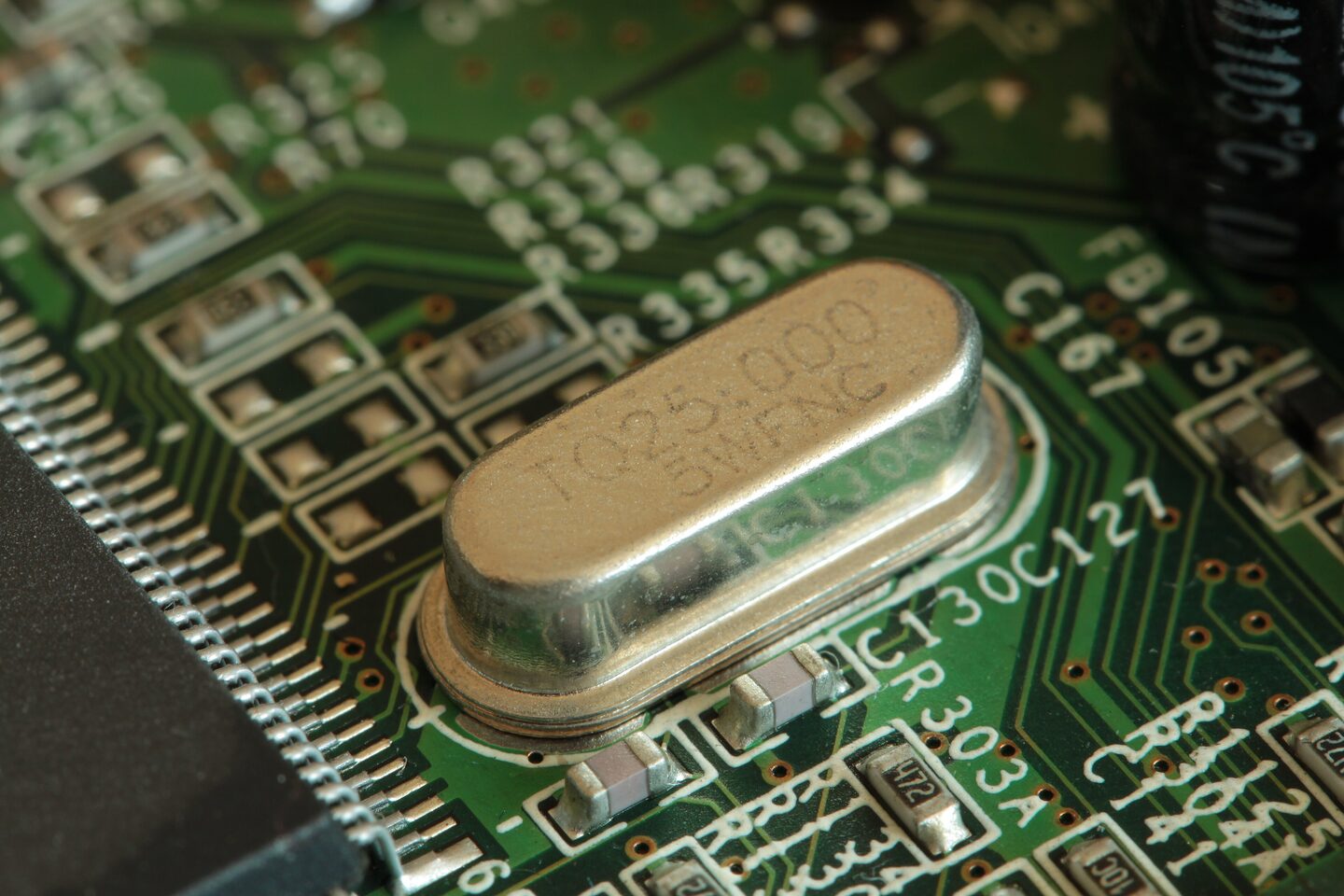
At 3.5 GHz, one tick, or cycle, lasts about 0.29 nanoseconds. A simple addition finishes in one cycle. Reading a value that isn't in any cache, so it has to come from RAM (Random Access Memory), can take about 100 nanoseconds. That's 350 cycles in which the CPU waits for memory.
That difference, 1 cycle against 350, explains most of what makes code fast or slow.
From your code to instructions
Here is a real Go function.
func add(a, b int) int {
    return a + b
}
The Go compiler turns it into machine code for amd64, which is another name for x86-64. If we disassemble it, which means turning the machine code back into readable instruction names, we get roughly this.
add:
    MOVQ a+0(FP), AX   ; load arg a into register AX
    ADDQ b+8(FP), AX   ; add arg b to AX
    MOVQ AX, ret+16(FP); store AX as return value
    RET                ; pop return address into PC
That's four instructions. The CPU fetches each one, decodes it, executes it, and moves on. The addition itself happens in the ALU (Arithmetic Logic Unit), the part of the CPU that does arithmetic.
RET is the interesting one. When a function is called, the address to come back to is saved on the stack. RET loads that address into the program counter, so the CPU continues right after the place where the function was called. Calling and returning are just changes to the program counter.
C gives the same result. The same function written in C also becomes a few moves and a return. Programming languages exist for people. The CPU only understands these numbered instructions.
Pipelining: the assembly line
Suppose the CPU did fetch, decode and execute strictly one instruction at a time. While the ALU worked, the fetch hardware would wait with nothing to do, and the other way around.
So modern CPUs pipeline the work. While one instruction executes, the next one is being decoded, and the one after that is being fetched. It works like an assembly line in a car factory, where each station works on a different car at the same time.
Once the pipeline is full, the CPU finishes close to one instruction every cycle, even though each instruction takes several cycles from start to finish.
Real chips go further. A superscalar CPU has several ALUs, so it can finish several instructions per cycle. An out-of-order CPU changes the order of instructions that don't depend on each other, to keep all those ALUs busy.
Pipelines have one problem, and that's branches. When the CPU reaches an if, it doesn't know yet which way the program will go. But stopping the pipeline to wait would waste time. So the CPU predicts which way the branch will go, and starts working on that path before it knows.
If the guess is right, nothing is lost. If the guess is wrong, the CPU throws away the work it started, which costs fifteen or more cycles.
That's why code with many unpredictable if statements is slow. It's also why sorting data before looping over it can make the loop faster: the branches become predictable, and the pipeline stays full.
Putting it together
Here are all the steps for x := a + b.
- The compiler turns your source code into machine code when you build the program. It decides which variables go in registers and which go on the stack.
- When the program runs, the program counter points at the bytes of the add instruction in memory.
- Fetch reads those bytes, and decode works out that this is an addition.
- The ALU adds the two registers in a single clock tick.
- The result is stored and the counter moves on. By then, the pipeline has already fetched and decoded the next few instructions.
That's everything that happens. A clock ticks, a counter goes up, and an ALU adds. It repeats so fast that the addition seems instant.
The Bottom Line when you write Go
Once you see the CPU as this loop, common performance advice starts to make sense.
Loops over slices are fast. A slice keeps its elements next to each other in memory. The CPU notices the pattern and loads the next values before they are needed, and the pipeline stays full.
Map lookups and following pointers are slower. Each step to a new place in memory might miss the cache, and every miss is one of those 350-cycle waits.
Unpredictable if statements are slow, because every wrong guess empties the pipeline.
You don't need to write assembly. But knowing that your for loop becomes a few instructions moving through a pipeline tells you why the profiler points where it does.
Check yourself
3 questions · nothing is savedWho wrote this
Author profile and background

Takumi Yamada
· Backend EngineerBackend engineer building services, databases, Linux tooling, and NEGEN SYSTEMS. Writing about low-level mechanics, distributed systems, and real-world security.
- Written
- Oct 16, 2025
- Length
- 1,136 words · 5 min
- Built
- …
- Served by
- …
- Delivered
- …
- Over the wire
- …
- Go's share
- …
Memory: The Stack, the Heap, and Pointers
Where your variables actually live, why the heap costs more than the stack, and what a pointer really is.
How a Computer Works: From Sand to Software
Transistor, gate, adder, clock, memory, program: the six layers between electricity and the software you run.
OpenCV 101: Every Image Is a Grid of Numbers
A photo is a rectangle of numbers, and everything OpenCV does is arithmetic on that rectangle. Mat, BGR, convolution, thresholds, contours and perspective warps: the ideas that make the library's 2,500 functions easier to find your way around.
Model-View-Update: The Loop That Makes Rust TUIs Sane
Every UI I wrote badly had the same problem: one part of the screen changing another part's data. MVU prevents that with one rule, and in Rust that rule is exactly what the borrow checker already asks for.