Five Ways to Deploy the Same App
Static host, PaaS, VPS, single binary, Kubernetes: the same React and Go app can be put online in five different ways. A tour of the options, using this website as the example.
Deployment tutorials usually pick one answer, such as "just use Vercel" or "just use Kubernetes". They rarely explain how to choose.
Deploying an app means putting it on a computer where people can reach it. The same app can be deployed in several ways, and each way answers one question differently: how much of the machine do you want to look after yourself?
This post goes through the options using an example I know well, this website. negensystems.com is a React single page app, where the browser loads one page and updates it with JavaScript, plus an API (Application Programming Interface) written in Go. It's small, but it has the same parts as a bigger product: files that never change, and a server program that has to keep running. So every option below really applies to it, and I looked at most of them before choosing.
Here are the options, from looking after nothing to looking after everything.
The app, so the constraints make sense
┌─ negensystems-web ────────────────────────────────┐
│  frontend/   React + Vite  → builds to dist/      │
│              (static files: HTML, JS, CSS)        │
│  backend/    Go API: live telemetry, terminal,    │
│              projects data. Wants to be ALWAYS ON │
└───────────────────────────────────────────────────┘
The frontend is built into plain files, HTML, JavaScript and CSS, and any web server can send those. The backend is the hard part. It reports live statistics from the running Go program and runs an interactive terminal on the site. So it has to be a program that keeps running all the time, not a function that only starts when a request arrives.
Keep that split in mind, because it decides half of the trade-offs below.
Option 1: Static hosting, where you own nothing
This means services such as Vercel, Netlify or GitHub Pages. You push your code to Git, an automatic build turns it into plain files, and those files are copied to a CDN (Content Delivery Network), a network of servers around the world that sends each visitor the files from a nearby server.
It's free at the size of a personal site. There is no maintenance at all: no updates to install, no TLS (Transport Layer Security) certificates to manage, and no alerts at three in the morning.
The limit is that "static" really means static. No program of yours keeps running, so there is no live connection to a server of your own, and nothing is remembered on the server.
An early version of this site ran exactly this way, and the Git history still has the vercel.json file to prove it. I think it's the right default for anything that's mostly content: documentation, blogs, landing pages, and apps that run entirely in the browser. Then I added the Go backend, with live goroutine counts in the footer and a terminal that the server runs. From then on, static hosting wasn't enough.
That leads to a common mixed setup.
Option 2: Split deployment, static front and PaaS back
You keep the frontend files on a CDN for free, and run the backend on a Platform as a Service (PaaS) such as Fly.io, Railway or Render. You give the platform a Dockerfile or your repository, and it gives you a running container, a packaged copy of your program, with a URL (Uniform Resource Locator) and TLS already set up.
It costs almost nothing on free plans, and you pay for what you use after that. There is little maintenance, because the platform looks after the machines, TLS, restarts and deploys.
There are three downsides. Free plans have cold starts: if nobody visits for a while, the platform puts your backend to sleep, and the next visitor waits several seconds for it to wake up. You also now have two separate deployments on two different domains. A browser only lets a page call a different domain if that domain allows it, through rules called CORS (Cross-Origin Resource Sharing), and those take some work to set up correctly. And pay-for-what-you-use pricing that starts near zero doesn't stay there if the site grows.
This was my second choice for this site. But cold starts would have broken the main feature. Live statistics that report the program has been running for four seconds, because it just woke up, aren't live statistics.
Option 3: A VPS with Docker, where you own one small machine
Rent a Virtual Private Server (VPS), which is a share of a real machine with its own public IP (Internet Protocol) address, for about five dollars a month. Install Docker, run docker compose up, and you are done.
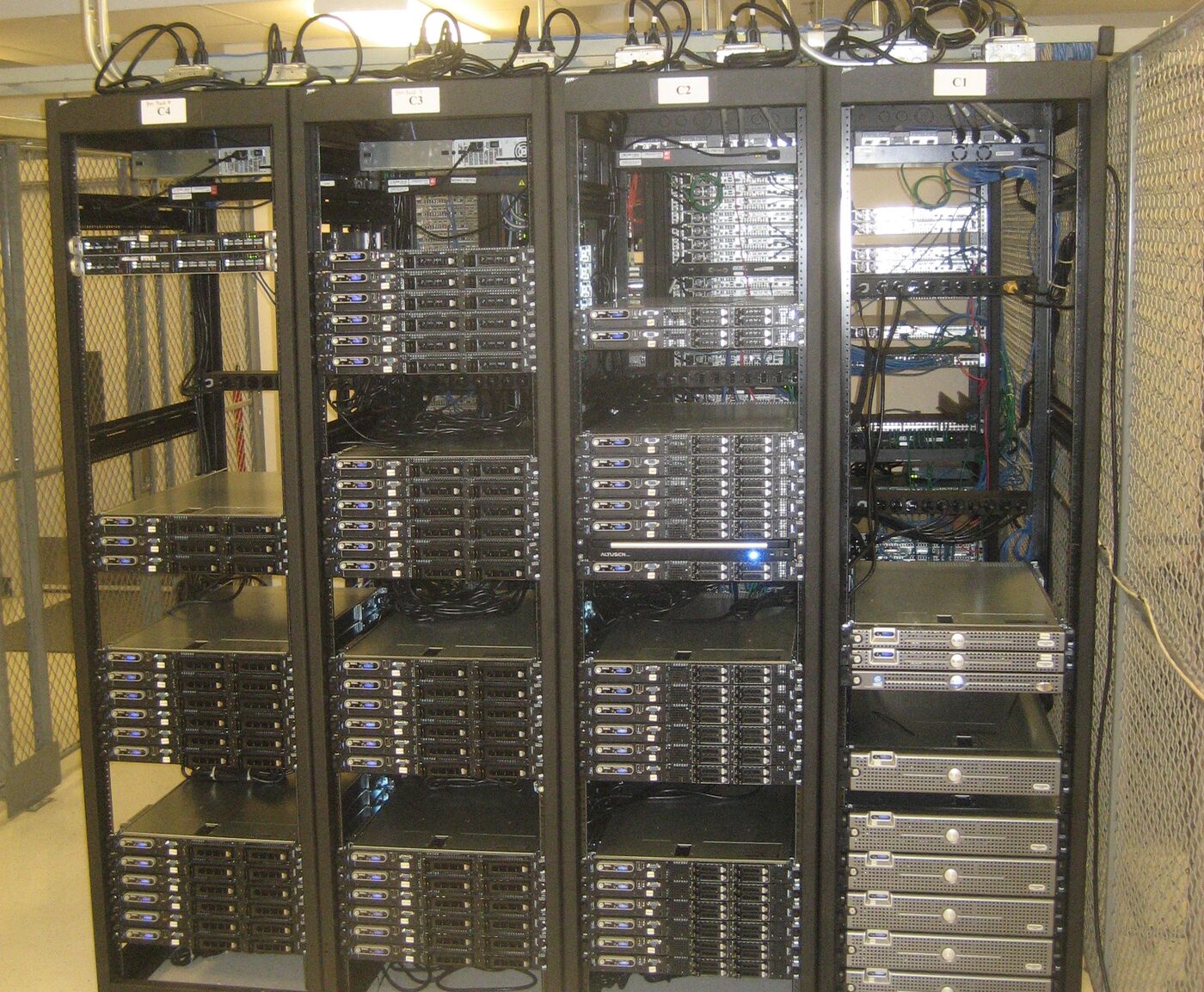
This is what negensystems.com actually runs on.
The whole deploy is three steps. Point the domain's DNS (Domain Name System) record at the server, open ports 80 and 443 in the firewall, and run two commands.
git clone <repo> && cd negensystems-web
docker compose up -d --build
Caddy, the web server in front of the app, sees the domain name in its settings, asks Let's Encrypt for a TLS certificate, and installs it by itself. That gives you HTTPS (Hypertext Transfer Protocol Secure) without managing certificates at all. To update the site, you run git pull and the same compose command again.
It costs a fixed five dollars a month, with no charge per request and no surprise bills for traffic. There is real maintenance, but it has clear limits: you install operating system updates, set up the firewall, and notice when the server goes down. Docker keeps the app itself the same on every machine, so the server only needs Docker installed, and everything else is described in the compose file.
What you gain is worth listing. The backend is always running, with no cold starts. You have full control, so any program, any port, scheduled jobs and a database later are all possible. Everything comes from one domain, so there is no CORS to set up. And you learn how real servers work, including DNS, TLS, reverse proxies and firewalls, by doing it.
The reverse proxy pattern used here is useful well beyond this site. One program, here Caddy, owns ports 80 and 443 and handles TLS. Your apps sit behind it on internal ports, and it passes each request to the right one. Adding a second app to the same server takes three lines of Caddy settings, not a second server.
Option 4: A bare binary, where you own everything and carry nothing
Now remove Docker as well. Go can build one self-contained program file for another operating system, and this site's server includes its data and serves the built frontend by itself.
GOOS=linux GOARCH=amd64 make build
scp backend/server you@box:/srv/app/
ssh you@box 'systemctl restart app'
That's one file. There's nothing else to install, no images to download, and no image registry. A systemd unit, a small settings file for Linux's service manager, restarts the program if it crashes and starts it when the server boots. Caddy still handles TLS, installed with the system's package manager instead of as a container.
It costs the same five dollars a month. Day to day, there is slightly less maintenance than with Docker, because there are no old images to clean up. Setting it up costs a little more, because you write the systemd unit yourself. And if a teammate wants to add a Python service, that's harder than adding another container.
The interesting part is the lesson. A lot of deployment complexity comes from the tools you choose, not from the app itself. A language that builds one self-contained file makes "copy one file to a server" a real production method. Much real Go infrastructure is deployed this way.
I use the Docker version anyway, because it gives me the same build on any machine and starts everything with one command. But at this size, both options are equally good, and knowing that the single-file option exists changes how you see all the more complex options.
Option 5: Kubernetes, for the fleet you don't have
This is the most complex option. You describe your app in settings files, and a Kubernetes cluster keeps checking that what is running matches what you described. It restarts crashed copies of your app, spreads copies across several machines, and updates them without downtime.
That checking loop is the right answer when you have dozens of services, several teams releasing on their own schedules, and traffic so heavy that it really needs many machines.
It's the wrong answer for a website made of two containers. The part of Kubernetes that manages everything can cost seventy dollars a month on its own, before any machines to run your app. The settings files run to hundreds of lines. And it adds many new ways for things to break. All of that solves problems this site doesn't have.
The point isn't that Kubernetes is bad. Every option in this post is the right answer for someone, and the skill is matching the option to the problem. For a personal site, Kubernetes costs more than it gives, unless learning Kubernetes is the goal.
The whole spectrum at a glance
| Strategy | Cost per month | Ops burden | Always on backend | Best for |
|---|---|---|---|---|
| Static host (CDN) | $0 | none | no | content, pure frontends |
| Split: CDN + PaaS | $0 to $10 | low | cold starts on free tiers | side projects, MVPs |
| VPS + Docker | around $5 | moderate, bounded | yes | full-stack apps, learning ops hands-on |
| VPS + bare binary | around $5 | moderate | yes | Go and Rust single binary apps |
| Kubernetes | $70 and up | high | yes | many services, many teams |
Two questions are enough to choose from that table.
Does anything need to keep running all the time? If not, use a static host. If it does, go to the next question.
Is it one team and a few programs, or many teams and dozens of them? A few programs means a VPS, or a PaaS if you would rather pay to skip the maintenance. Dozens is when Kubernetes becomes worth its cost.
Why I picked the VPS
For negensystems.com, the reasons were concrete. The backend must never cold start, because the live statistics are the feature. A fixed price is better than paying per use for a program that runs all the time. One domain means no CORS. And running a real server, with DNS, TLS, a firewall and a reverse proxy, is itself part of what this site shows.
The deployment guide in this site's repository is the full walkthrough. It goes from owning a domain and nothing else to working HTTPS in about five commands.
To sum up: each option pays someone else to do a different share of the work, and the skill is knowing how much of that work your app needs.
Check yourself
3 questions · nothing is savedWho wrote this
Author profile and background

Takumi Yamada
· Backend EngineerBackend engineer building services, databases, Linux tooling, and NEGEN SYSTEMS. Writing about low-level mechanics, distributed systems, and real-world security.
- Written
- Jun 1, 2026
- Length
- 1,836 words · 8 min
- Built
- …
- Served by
- …
- Delivered
- …
- Over the wire
- …
- Go's share
- …
Linear Algebra 101: Vectors, Matrices, and Why Programmers Should Care
A vector is an arrow, a matrix moves arrows, and multiplying matrices means moving arrows one step after another. This is the picture that textbooks often leave out.
Projects built with what this post is about.