Overview
A minimal Hyprland desktop environment for Arch Linux, assembled from a real daily-driven Wayland setup and driven by a unified Go CLI.
NEJEN is a minimal Hyprland desktop environment for Arch Linux, built from the terminal up.
Rather than a visual theme pack put together for screenshots, NEJEN is assembled from a real, daily-driven Wayland workstation. It ships hand-tuned dotfiles made fully standalone, an opinionated package set, and 97+ everyday desktop management operations compiled into a single Go binary that dispatches hierarchical commands by longest match.
Shell is strictly confined to first-run machine provisioning. All themes, palettes, and keymaps are declared in plain TOML and rendered into native application configs. User customizations live in separate override files that an update never touches.
Core Philosophy
A desktop environment you live in all day requires predictability, speed, and safety. NEJEN is engineered around three non-negotiable principles:
1. The Ordering Principle
The desktop follows the real machine. A feature ships in NEJEN once it has survived actual use on the workstation it came from, not when it seems like a good idea. That makes development deliberate, and it is the reason the configurations are solid enough to run as a daily driver.
2. Standalone Dotfiles
Most desktop collections rely on heavy external frameworks, complex plugin managers, or runtime metaprogramming that breaks when upstream APIs change. NEJEN ports clean, self-contained configurations directly from ~/.config. Nothing is hidden behind an abstraction layer that prevents you from understanding how your display server works.
3. Safe Override Model
System updates and user preferences should never fight. Shipped files carry a DO NOT EDIT header and are kept in the installer directory or refreshed cleanly during updates. Every managed component provides a dedicated user override file (such as ~/.config/hypr/overrides.conf or ~/.config/waybar/overrides.css) that loads last. An update will never wipe your personal tweaks.
The Curated Stack
NEJEN pairs a minimal Wayland compositor with purpose-built utilities that maintain a cohesive visual and interaction language:
| Subsystem | Technology | Purpose |
|---|---|---|
| Compositor | Hyprland | Tiling Wayland compositor with smooth animations and dynamic layouts |
| Session Manager | UWSM | Universal Wayland Session Manager for robust systemd integration and clean teardown |
| Status Bars | Waybar | Top status bar (workspaces, clock, hardware) & bottom utility bar (trading, VPN, network) |
| Launcher | Walker + Elephant | Fast application launcher, clipboard history manager, and emoji search |
| Notifications | Mako | Lightweight Wayland notification daemon, top center, in the Nejen panel style |
| On-Screen Display | SwayOSD | Clean HUD indicators for volume, screen brightness, and caps lock |
| Screen Locker | Hypridle + Hyprlock | Screen inactivity management and themed lock screen with blurred backdrop |
| Terminal & Shell | Alacritty + Bash | GPU-accelerated terminal with custom palette templates and hierarchical completion |
| Editor | Neovim | Pre-configured Lua environment with Treesitter, LSP, and custom keymaps |
| Icons & Fonts | Negen Icons + JetBrains Mono | Custom private-use icon font (NegenIcons.ttf) ensuring zero missing glyphs |
| Boot Splash | Plymouth | Themed boot animation with disk encryption passphrase prompt |
Visual Tour
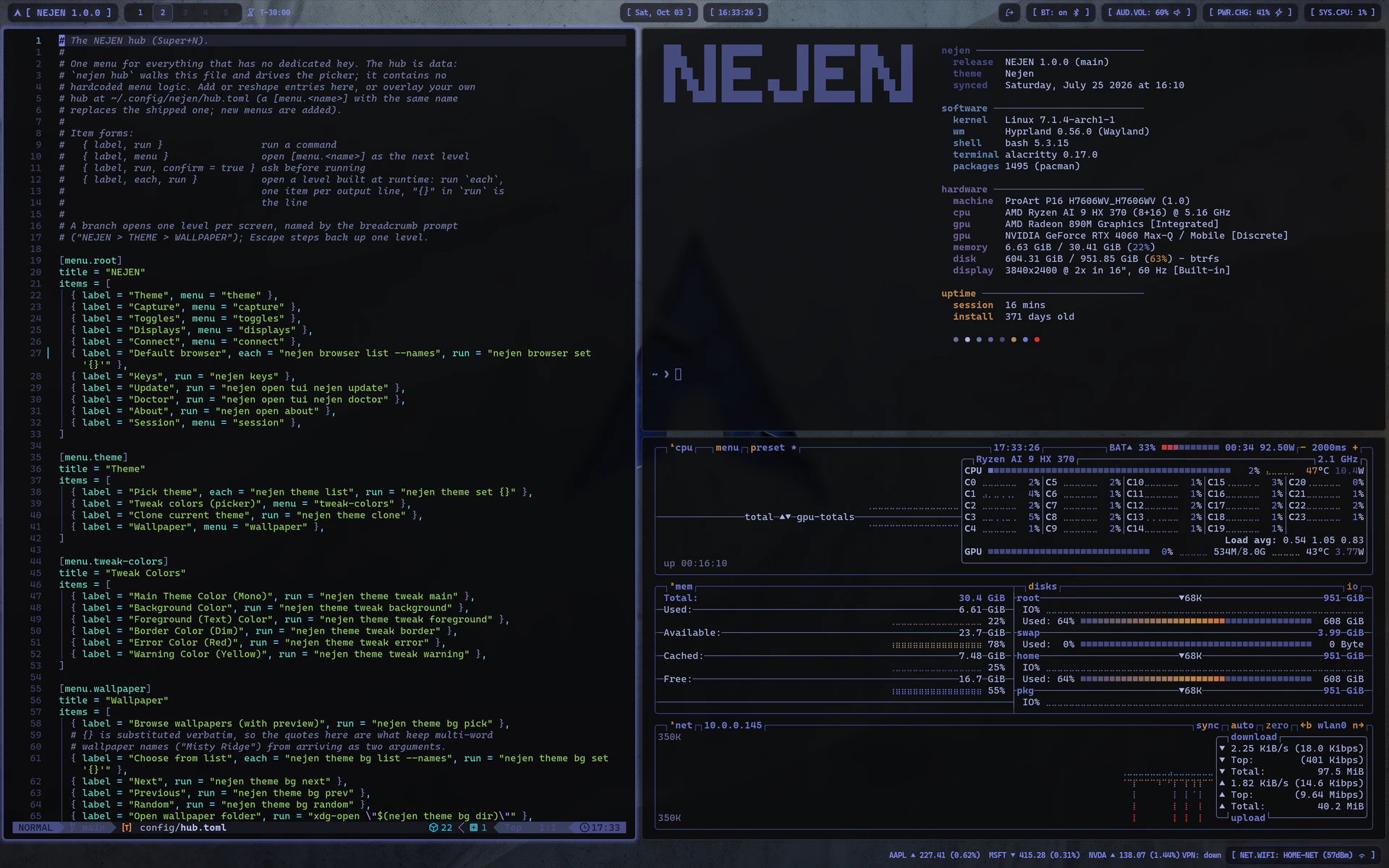
Every surface in NEJEN shares the same typography, border geometry, and semantic color palette. Everything below was captured on the running desktop, not mocked up.
The Central Hub
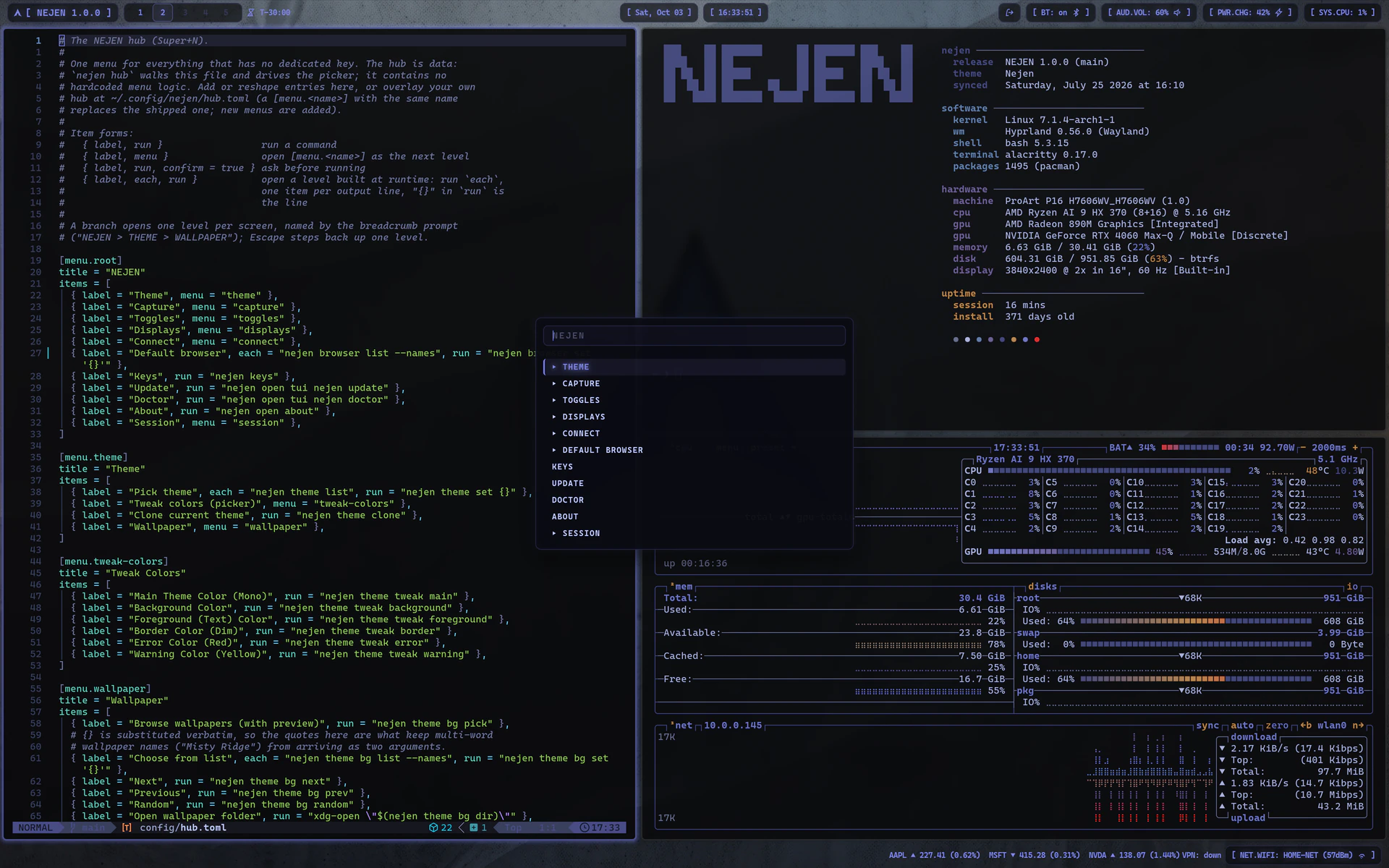
Pressing Super+N opens the NEJEN Hub, a declarative action menu for everything that doesn't need a dedicated shortcut. It opens over whatever you are working on and shows one level at a time, with a breadcrumb (NEJEN › THEME › WALLPAPER) naming where you are. Escape steps back one level instead of closing the menu.
Your Color, Everywhere
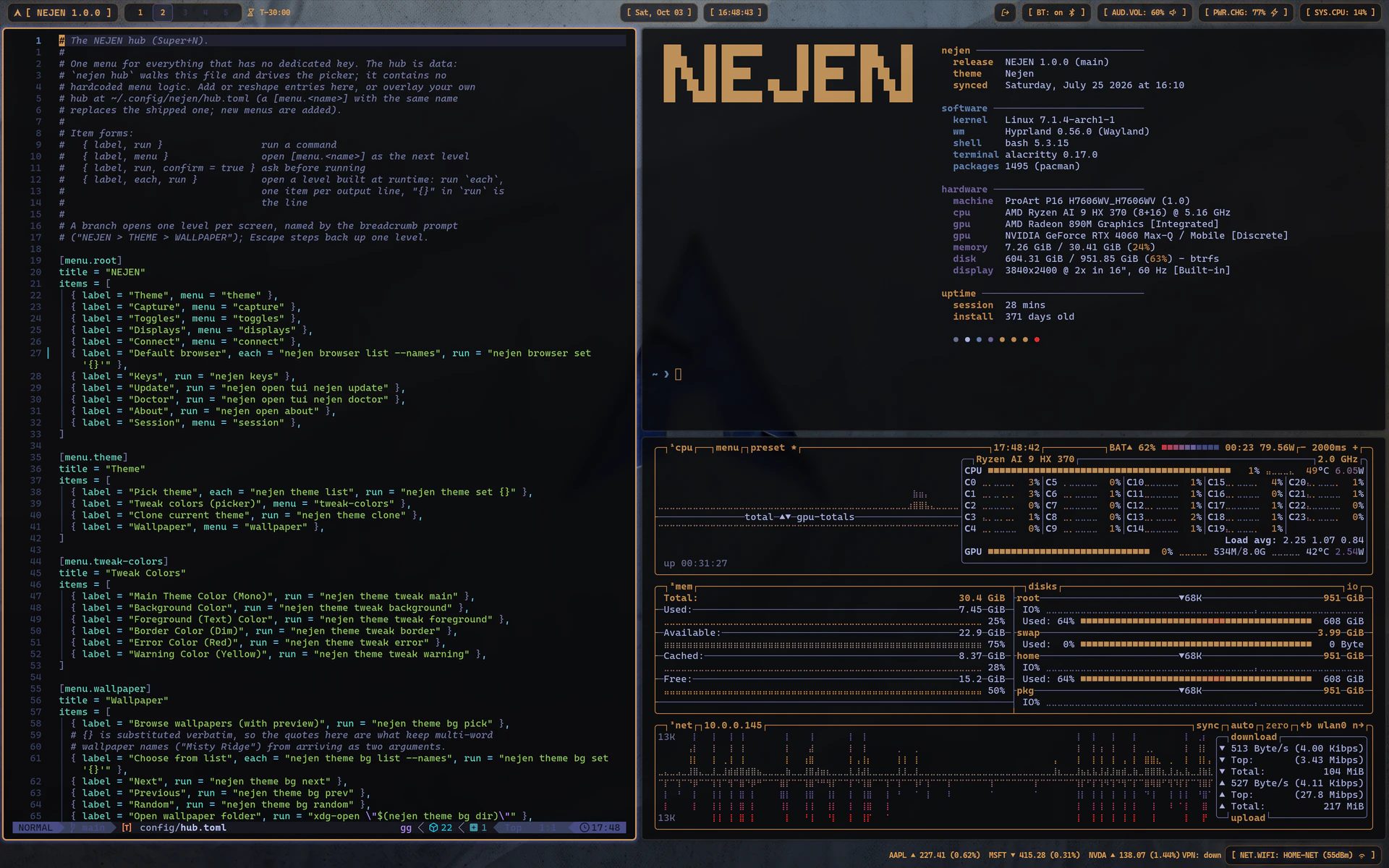
One pick in Theme › Tweak colors re-renders the desktop in a new color: window borders, both bars, the terminal palette (so fastfetch and btop follow), and the lock screen. The same workspace, before and after:
Shipped Nejen slate
Main color set to #d8a15e
The picker, what each color slot controls, and the one-line CLI equivalent are in Customization & Theming.
Notifications & On-Screen Display
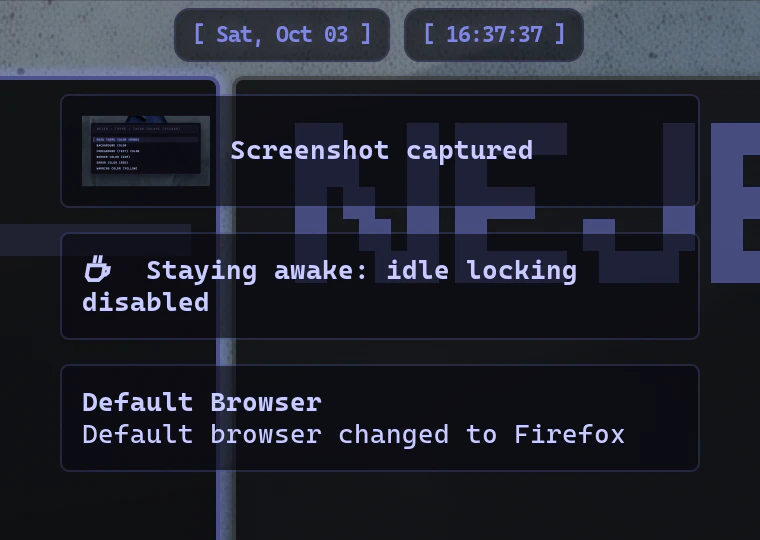
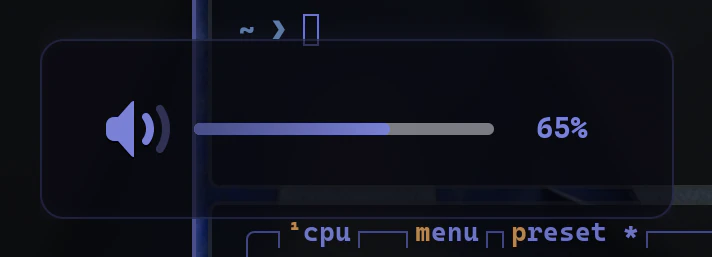
Notifications come from Mako and stack at the top center, just under the clock, in the same translucent panel as the bars. NEJEN's own commands report through them: theme changes, toggles, screenshots, recordings, low battery. Super+Ctrl+D turns on Do Not Disturb, which hides them and leaves a bell in the bar until you turn it off. Volume and brightness keys show a SwayOSD meter in the middle of the screen.
Notifications
Volume OSD
Launcher & Keybinding Reference
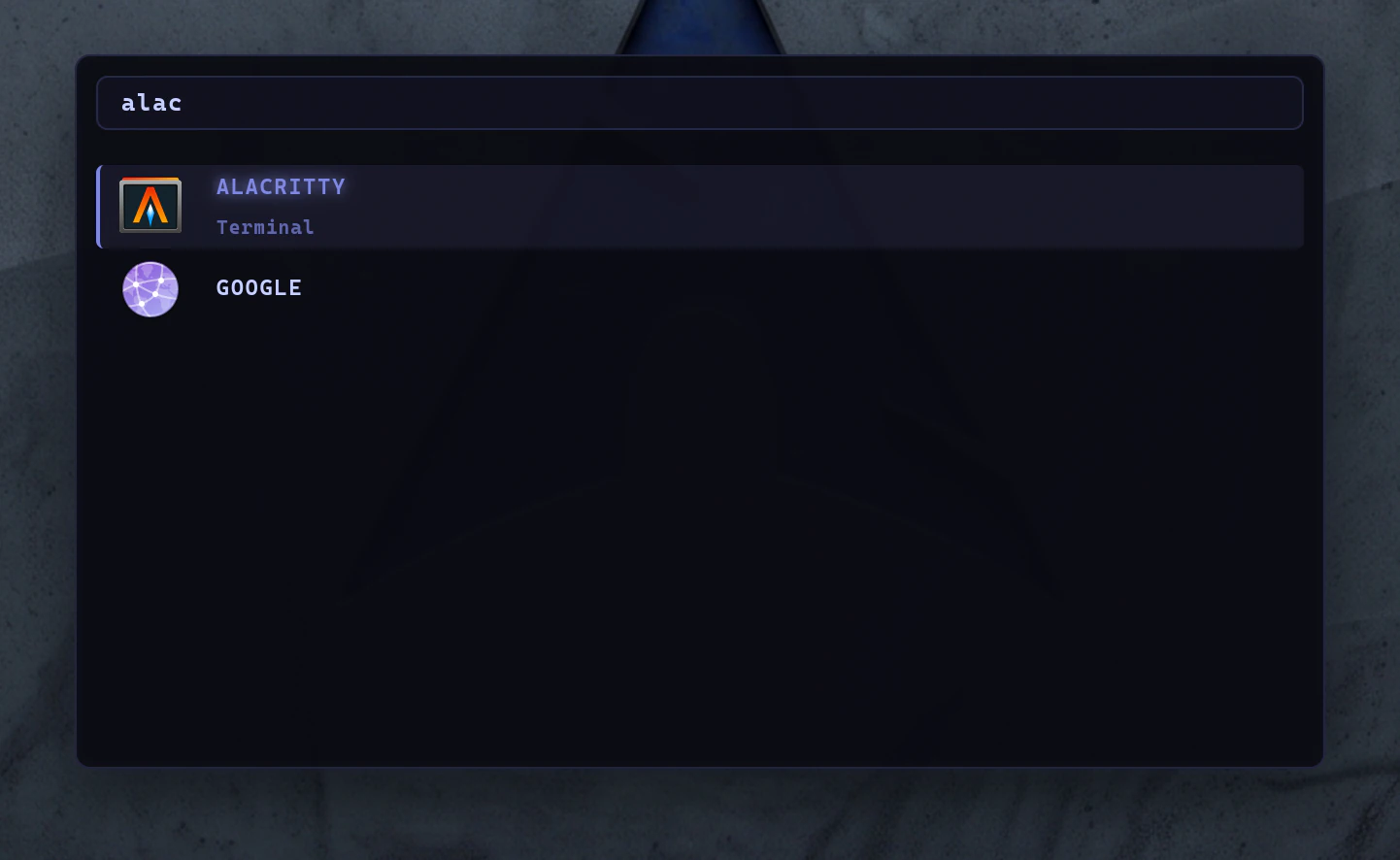
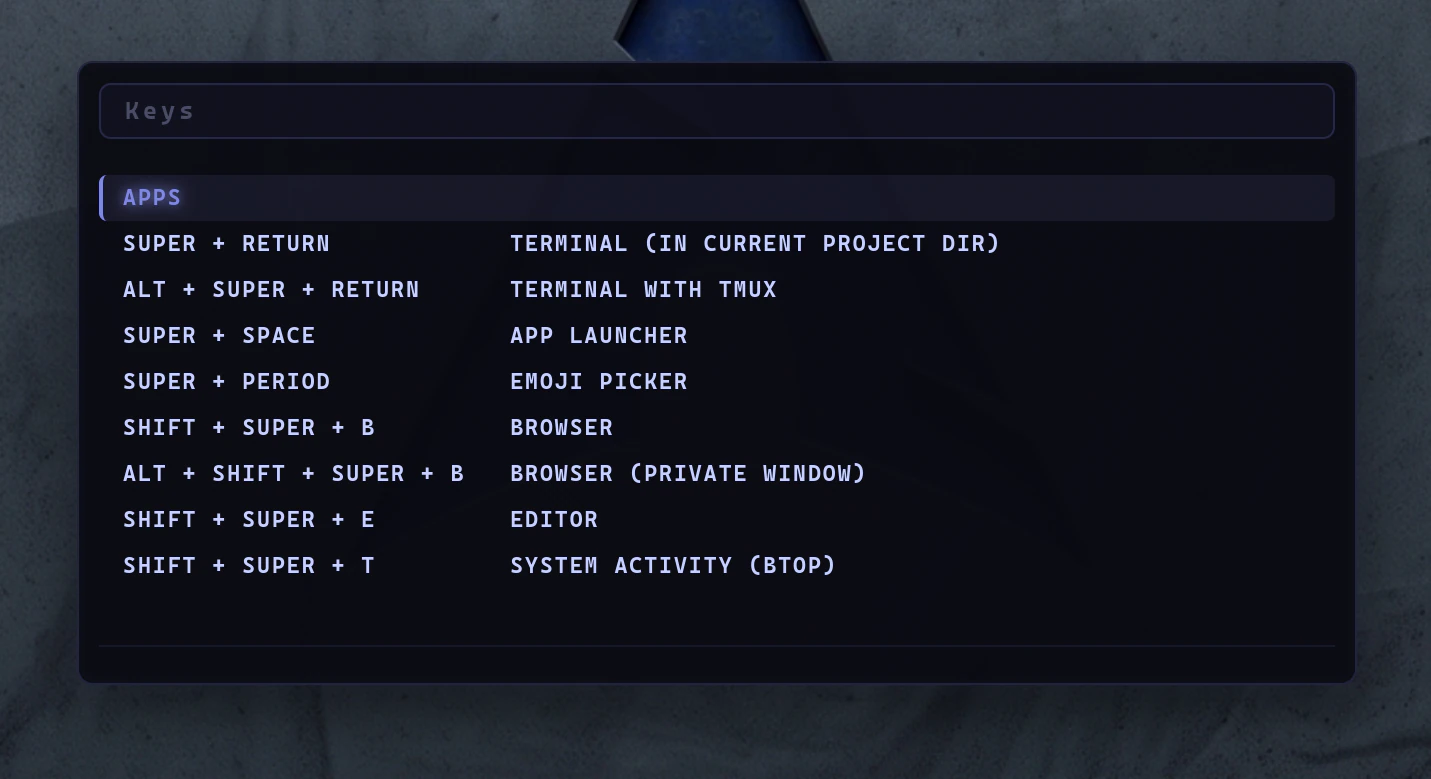
Super+Space opens Walker to search applications, with a web search as the fallback row. Super+/ (or nejen keys) opens a searchable keybinding reference generated from config/keymap.toml, so the cheat sheet always matches the bindings that are actually active.
Super+Space
Super+/
Wallpaper Picker
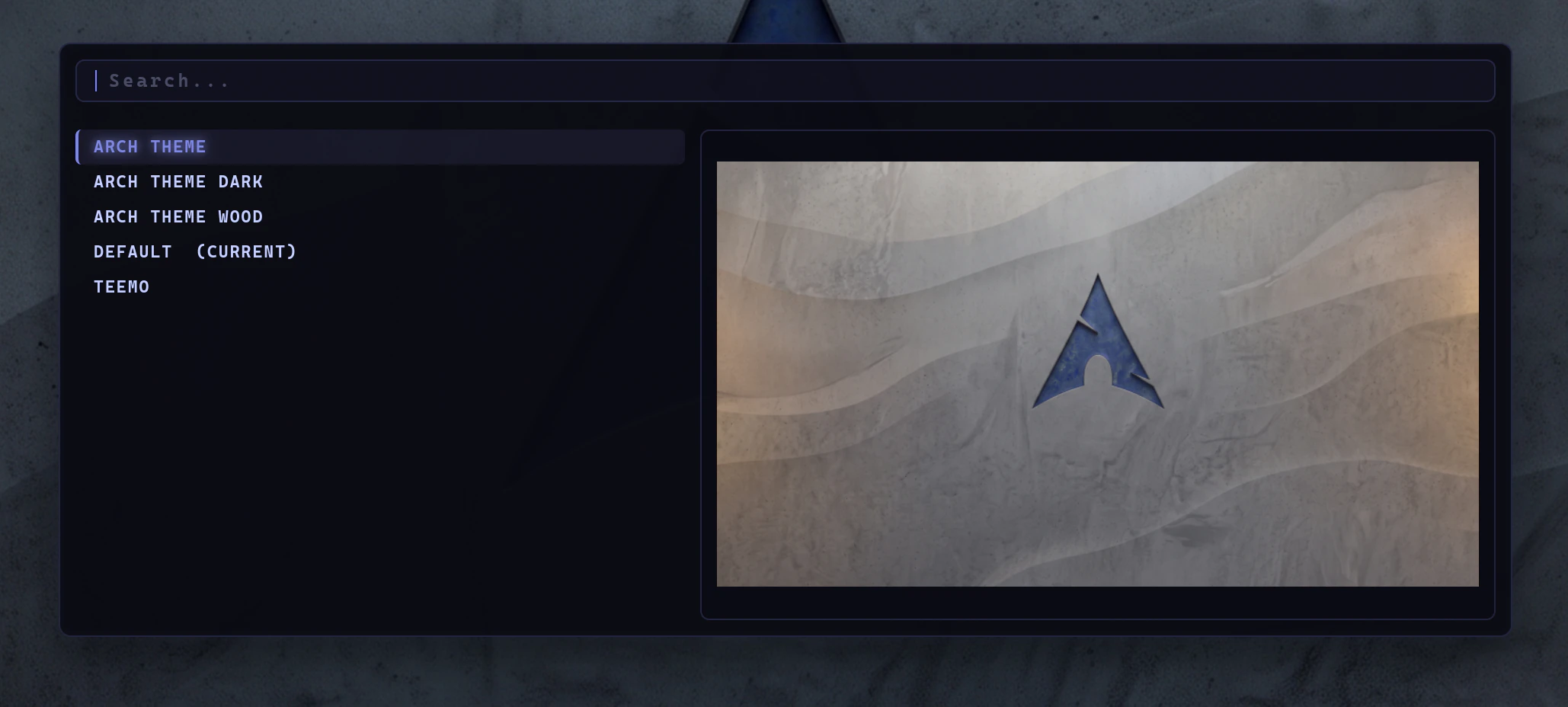
Super+Shift+W (or Theme › Wallpaper in the hub) opens the wallpaper picker: names on the left, a live preview of the highlighted image on the right. It reads your own wallpapers and the active theme's from the same list.
Lock Screen & Boot Splash
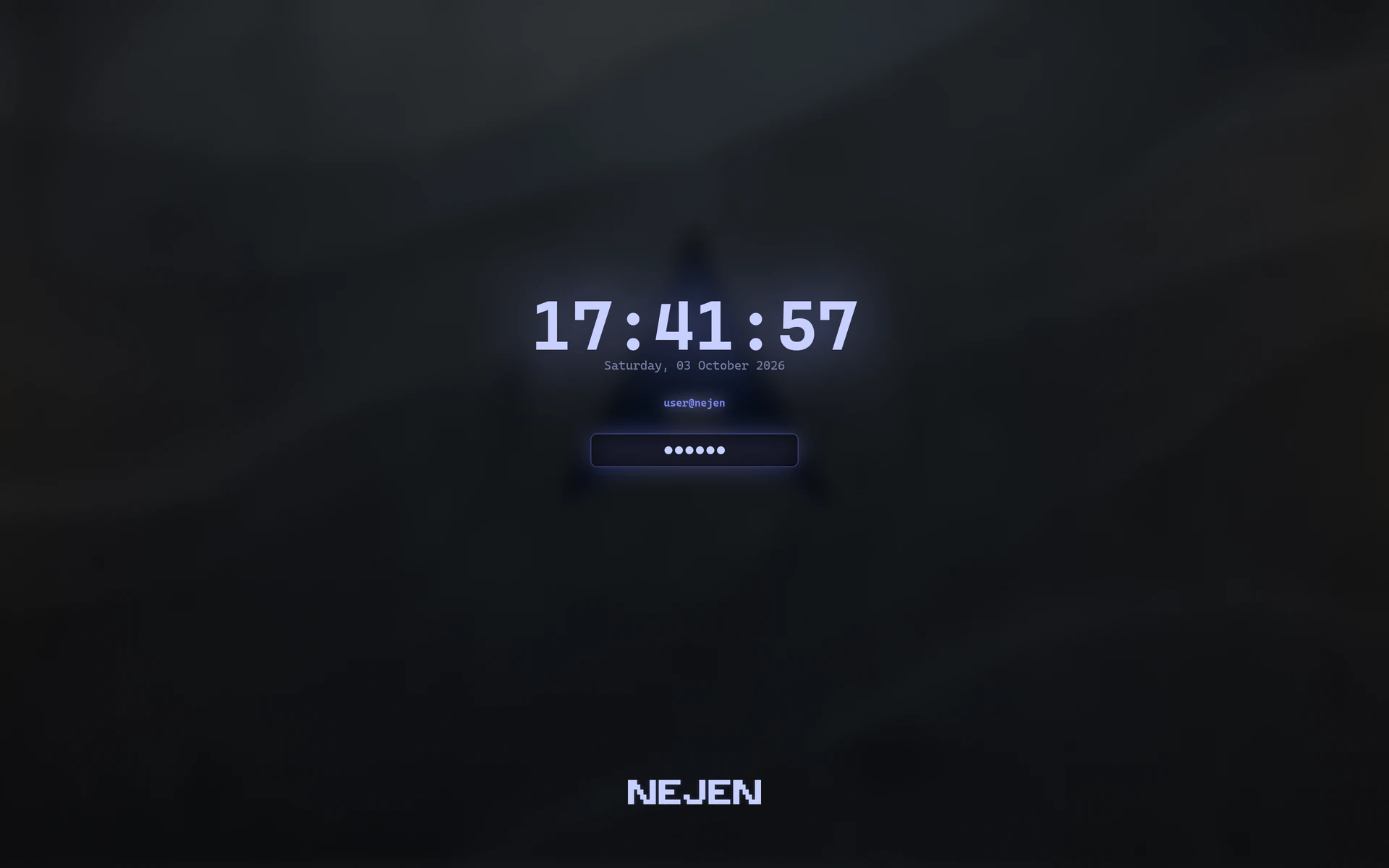
Ctrl+Escape locks the screen with hyprlock: the time and date, user@host, a passphrase field, and the NEJEN block mark, over a blurred copy of the wallpaper.
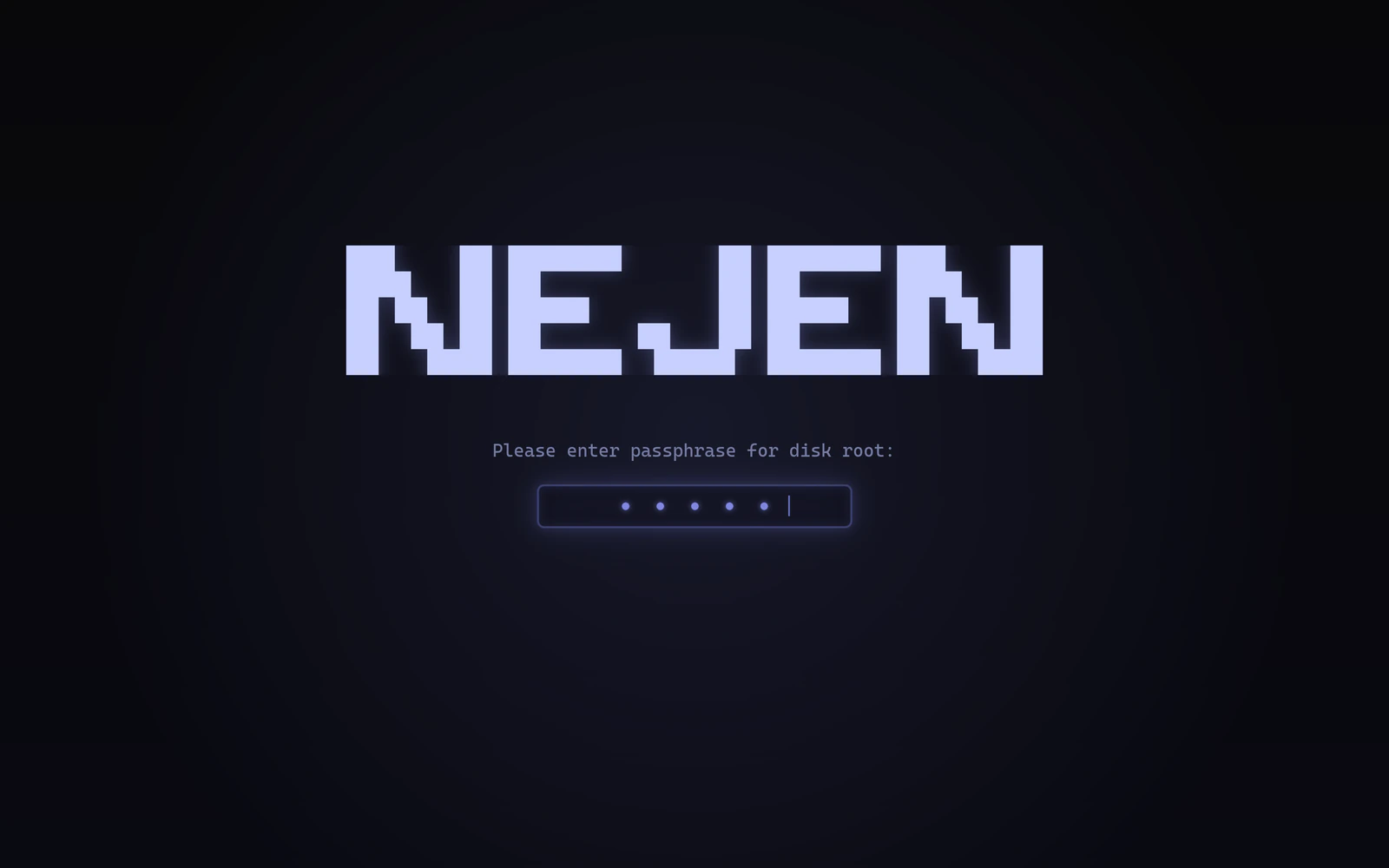
On machines with full disk encryption, the Plymouth theme asks for the disk passphrase inside the boot splash, in a compact field under the same mark:
Why a Single Go Binary?
Traditional tiling desktop setups typically accumulate dozens of disparate shell and Python helper scripts scattered across ~/.local/bin. NEJEN replaces that entire directory with a single compiled Go binary (nejen).
- Sub-millisecond Execution (No Interpreter Startup):
Shell pipelines frequently invoke Bash, Python,
awk,sed, andgrepin loops. For status bar updates and rapid shortcut responses, process-spawning overhead easily consumes 50ms to 200ms of CPU time. The Go binary compiles to native machine code with zero runtime interpreter lag. - Rolling-Release Immunity:
Because
nejenis statically compiled (CGO_ENABLED=0), routine Arch package updates (pacman -Syu) cannot break your desktop by moving a Python version or changing a system script path. - Compile-time Correctness: TOML themes, keymaps, and JSON outputs are parsed with typed Go structs rather than loose string substitution, preventing silent failures when wallpapers or paths contain spaces.
Documentation Chapters
Explore the full documentation for deep dives into commands, customization, and deployment:
- Commands & Hub: Complete reference for all 97+ CLI commands,
Super+NHub menus, window management chords, cleaning mode, and utilities. - Customization & Theming: Universal TOML palettes, the template engine, 3-layer wallpaper hierarchy, custom
Negen Iconsfont, and safe override files. - Installation & Setup: Arch Linux requirements, automated package installation, installer safety backups (
*.pre-nejen.bak),nejen doctor, and rollback instructions.