Installation & Setup
Complete guide to installing NEJEN on Arch Linux, installer internals, first-run initialization, health checks, and rollback safety.
NEJEN configures an entire Arch Linux desktop environment, including the display manager, compositor, status bars, terminal, and system daemons. This guide covers hardware requirements, the automated installation process, health diagnostics, and rollback procedures.
Prerequisites
Before starting, ensure your system meets the following requirements:
1. Operating System
- Arch Linux (or an Arch-based distribution utilizing
pacman). - A clean, freshly installed base system is recommended, though NEJEN can be installed alongside existing environments.
2. Base Toolchain
The installer requires git, go, and base-devel.
[!IMPORTANT]
gois a standing requirement, not merely a one-time build dependency. When you runnejen update, the system recompiles thenejenbinary to incorporate new commands and upstream changes.
Install the bootstrap tools using pacman:
sudo pacman -S --needed git go base-devel
3. AUR Helper
NEJEN pulls several essential Wayland tools from the Arch User Repository (AUR), including walker and elephant.
- If
paruoryayis detected on your$PATH, the installer uses it automatically. - If neither is present, the installer automatically clones and builds
parufrom the AUR before proceeding.
Step-by-Step Installation
Clone the repository to its canonical location under ~/.local/share/nejen and execute the installer:
git clone https://github.com/negensystems/nejen.git ~/.local/share/nejen
cd ~/.local/share/nejen
./install.sh
What the Installer Does
- Package Provisioning: Reads
packages/core.txtand installs all missing packages viapacmanandparu/yay. - Binary Compilation: Compiles
cmd/nejeninto a statically linked binary (CGO_ENABLED=0) and symlinks it to~/.local/bin/nejen. - Shell Completions: Generates and links bash tab-completion into
~/.local/share/bash-completion/completions/nejen. - Configuration Generation: Generates native configuration files for Hyprland, Waybar, Alacritty, SwayOSD, Mako, btop, and bluetuith.
- Directory Symlinking: Symlinks managed configurations for
fastfetch,walker,nvim, anduwsminto~/.config/. - Font Installation: Installs the custom
NegenIcons.ttftypeface into~/.local/share/fonts/and triggersfc-cache. - Battery Monitor: Enables a background systemd user timer (
nejen-battery-monitor.timer) on laptops to warn of critical discharge states. - Shell Integration: Adds a clean source line to
~/.bashrcto load NEJEN environment variables and aliases.
The Backup Safety Guarantee
Any file the installer would overwrite that NEJEN did not generate is automatically preserved as:
<filename>.pre-nejen.bak
If you already have customized Hyprland or Waybar files, they will never be destroyed without a backup.
Tip: Pass --no-packages to skip the pacman/AUR package check if you have already installed the required software.
First-Run System Initialization
install.sh acts as a thin shim that delegates to Go. Once the desktop packages are in place, the installer invokes first-run system scripts in install/first-run/:
Network & Time Sync
- Time Synchronization (
time-sync.sh): Enables and startssystemd-timesyncd, ensuring the hardware RTC stays synchronized over NTP. Points/etc/resolv.conftosystemd-resolved. - Wi-Fi Onboarding (
wifi.sh): Ensures NetworkManager is active and prompts to connect to nearby wireless networks if offline.
Plymouth Boot Splash
The installer configures the custom Plymouth theme (config/plymouth/nejen/):
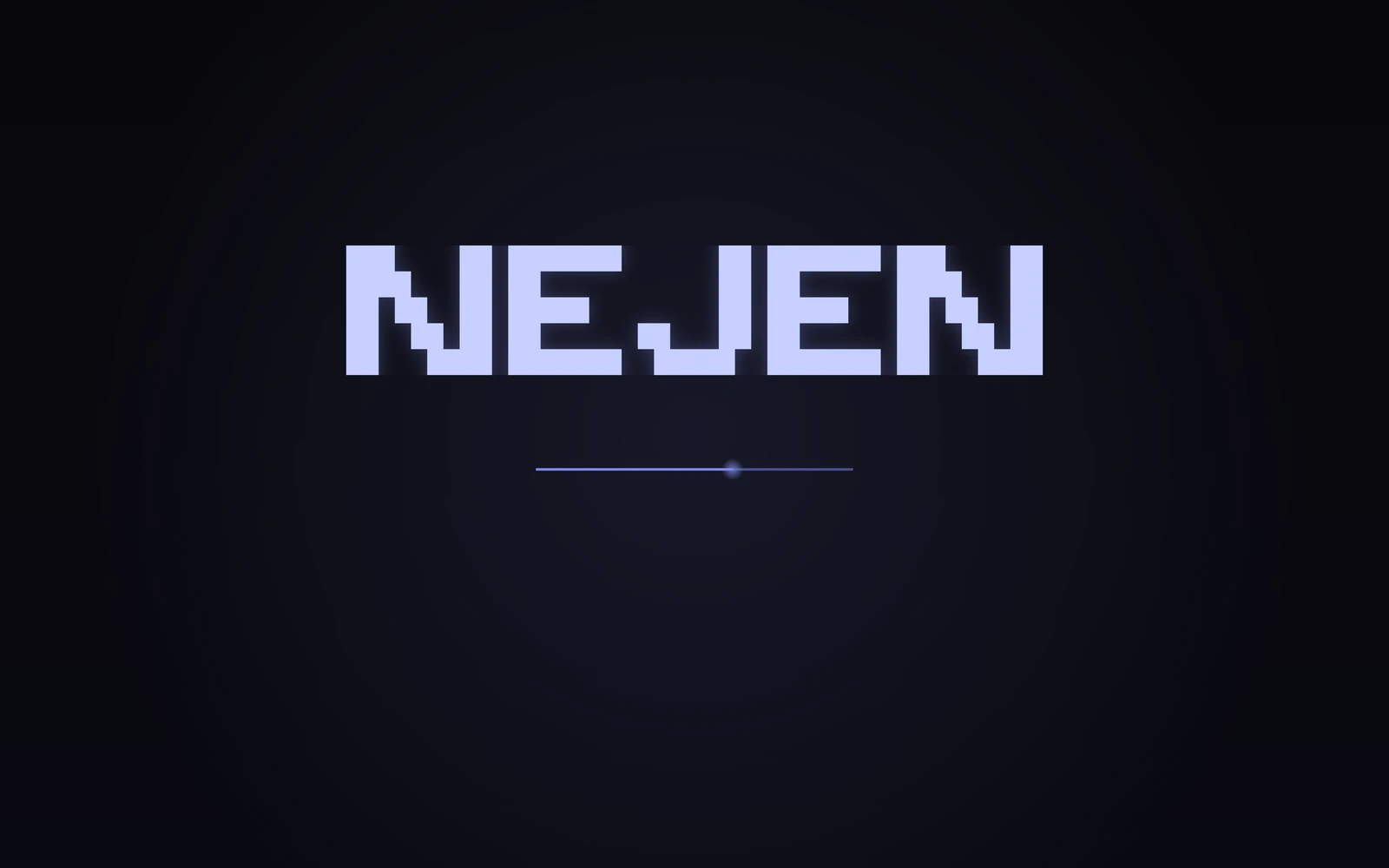
- Displays the NEJEN block mark with a thin progress line under it during startup.
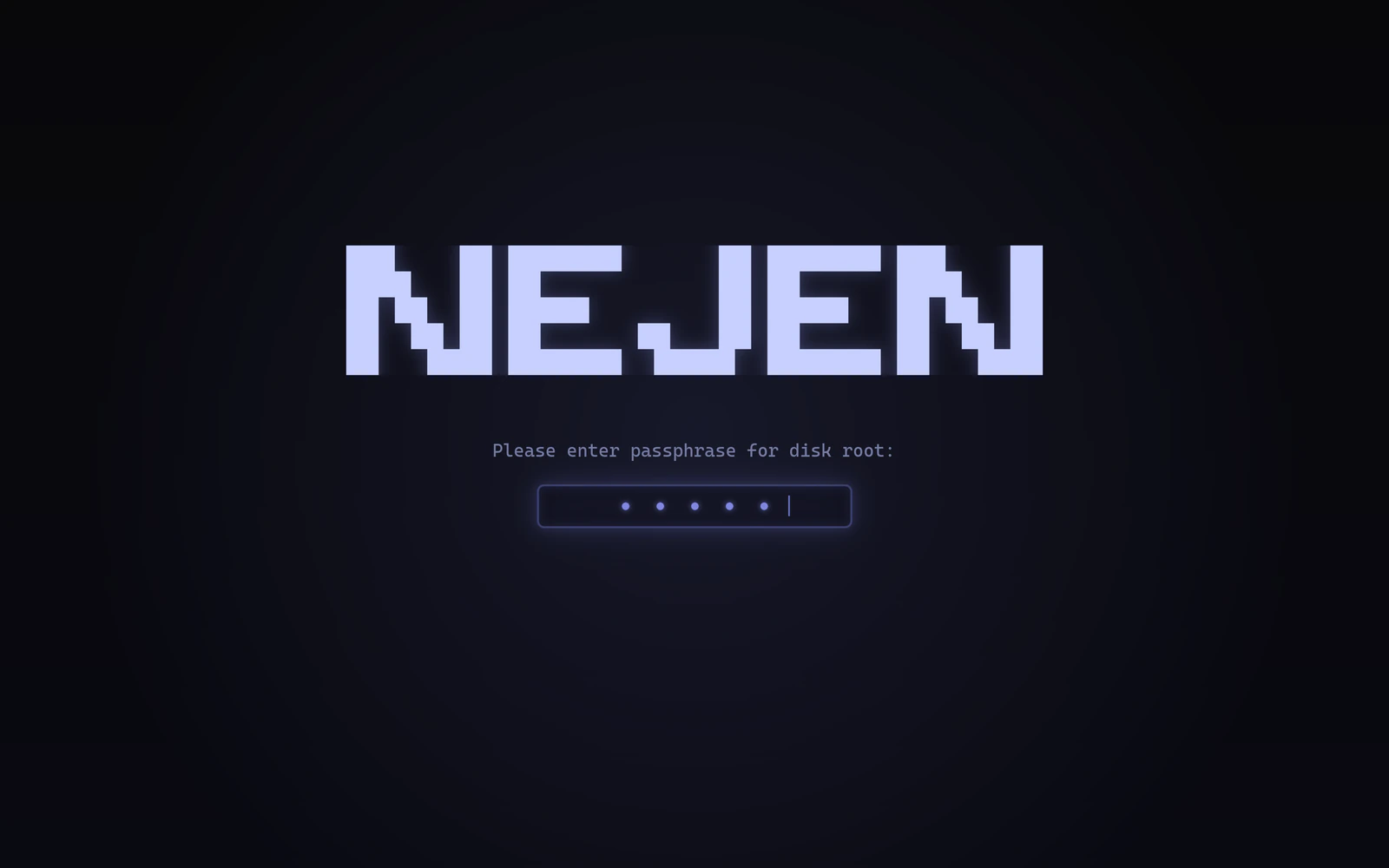
- On encrypted systems with LUKS, the progress line gives way to a compact passphrase field, with cryptsetup's own prompt shown verbatim above it, so you can see which disk is asking.
Booting
Disk passphrase
Verifying Setup: nejen doctor
Once installation completes, log out of your current session and start a Hyprland session from your display manager (SDDM/GDM) or TTY.
Open a terminal (Super+Return) and run the system diagnostics suite:
nejen doctor
On a healthy install it prints one line per check and a summary:
PASS  NEJEN_PATH resolves: /home/you/.local/share/nejen
PASS  NEJEN_PATH contains config/
PASS  NEJEN_PATH contains templates/
PASS  NEJEN_PATH contains themes/
PASS  dispatcher built: /home/you/.local/share/nejen/bin/nejen
PASS  required commands present: bash git hyprctl notify-send
PASS  optional commands all present
PASS  system clock synchronized over NTP

nejen doctor: 8 passed, 0 warnings, 0 failed
Doctor in the hub runs the same check in its own terminal window.
Health Check Matrix
nejen doctor verifies every tier of the workstation:
- Dispatcher Health: Validates that
~/.local/bin/nejenis present and prioritized on$PATH. - Core Dependencies: Verifies essential system utilities (
bash,git,hyprctl,notify-send). - Desktop Utilities: Checks optional components (
walker,uwsm,makoctl,swayosd-client,slurp,grim,satty,hyprpicker,gpu-screen-recorder,wl-copy,elephant,bluetuith,hyprlock,hypridle,hyprsunset,btop,swaybg). - Time & NTP Status: Queries
timedatectlto confirm that the system clock is synchronized and free from clock drift.
Maintenance & Updates
Upgrading NEJEN is handled through a single command:
nejen update
This automates four tasks:
- Pulls the latest commits from the upstream git repository.
- Re-compiles
bin/nejenusing the current Go toolchain. - Upgrades installed Arch Linux and AUR packages (
pacman -Syu). - Re-renders active theme templates to ensure any new style rules apply immediately.
Uninstallation & Clean Rollback
NEJEN does not scatter unmanaged files across your filesystem. To completely remove NEJEN and restore previous dotfiles:
# 1. Remove binary and bash completions
rm -f ~/.local/bin/nejen ~/.local/share/bash-completion/completions/nejen

# 2. Remove state and runtime directories
rm -rf ~/.local/share/nejen ~/.local/state/nejen ~/.config/nejen

# 3. Clean up managed config links
rm -rf ~/.config/fastfetch ~/.config/walker ~/.config/nvim ~/.config/uwsm

# 4. Remove generated application configs
rm -f ~/.config/hypr/hyprland.conf ~/.config/waybar/style.css
Finally:
- Remove the
sourceblock from the bottom of your~/.bashrc. - Restore any original configuration files from their
<file>.pre-nejen.bakcopies. - If desired, remove unneeded packages using
sudo pacman -Rns <package-names>.